How to Play BallSheet: Rules, Controls, Score Pressure and Stats
A practical player guide for understanding BallSheet before your first serious run: what to do, which controls matter, how score pressure works, and how to read the result screen.


BallSheet is simple to start: move into each ball, survive score pressure, then use the run stats to improve the next attempt.
Quick Answer
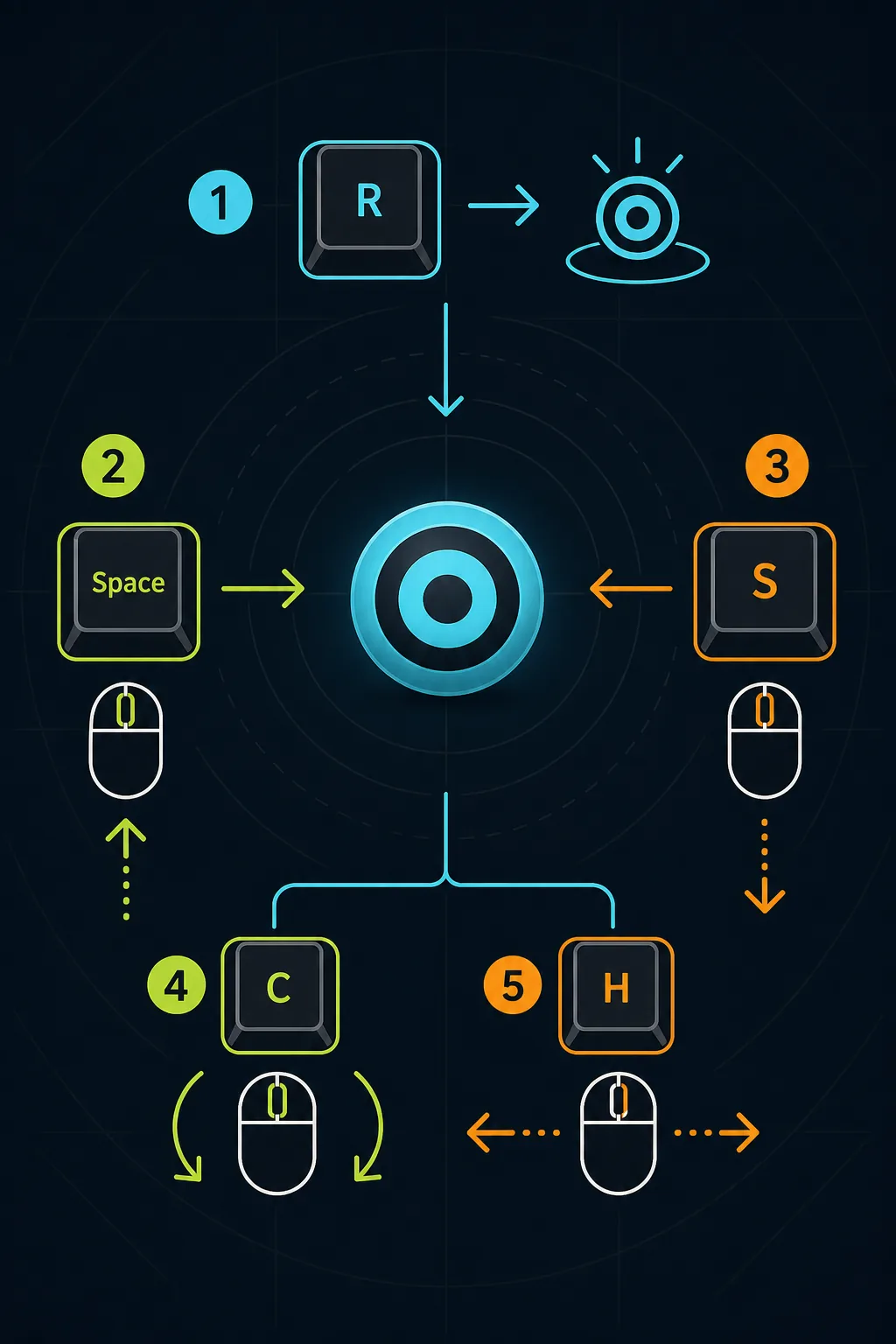
To play BallSheet, open the browser game, click inside the game frame, move your cursor into each target ball, and keep clearing targets before score pressure drains your run. Use R or Space to restart, S to toggle stats, C to change ball color, and H to reset local high scores. If you only want to play, start on the BallSheet online page; this guide explains the rules and stats in more detail.
Contents
The BallSheet Game Loop
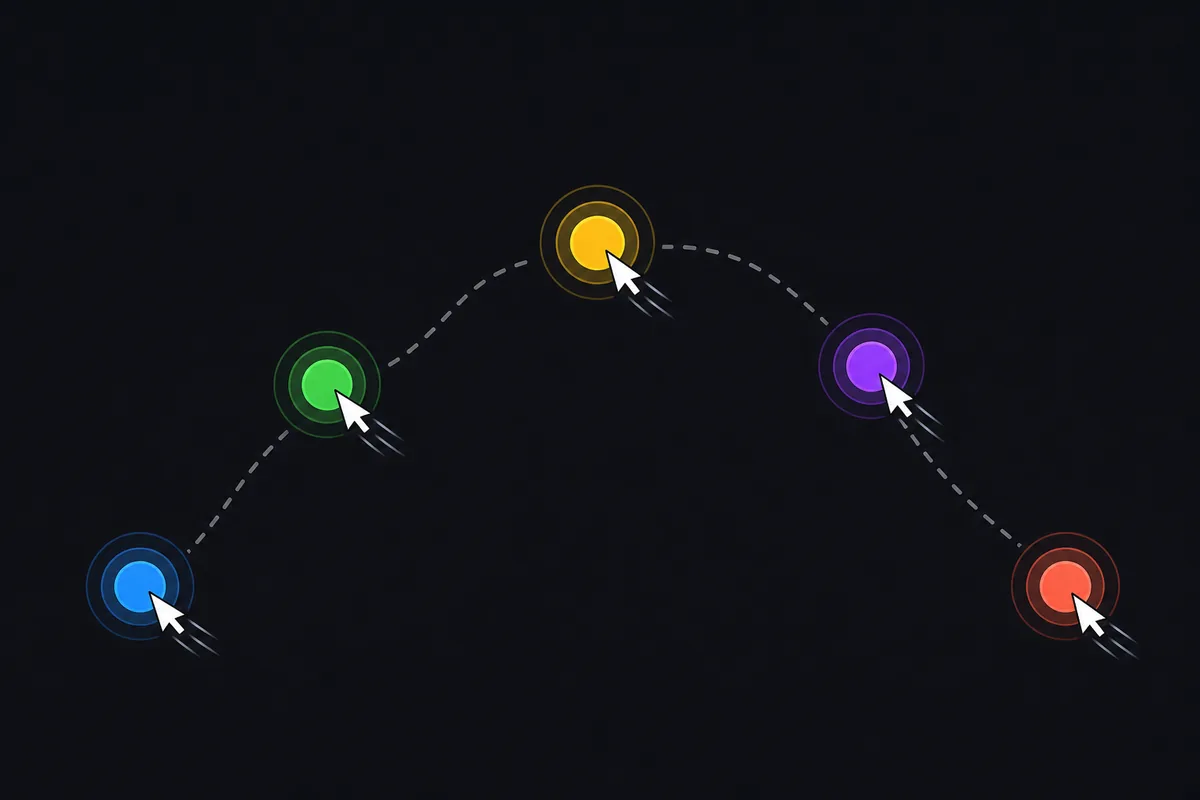
BallSheet is a minimalist browser reaction game. The core loop is to move the cursor into the visible ball, trigger the next spawn, and keep repeating the action while your score buffer is under pressure.
The game feels simple because there are no upgrades, maps, weapons, or menus to learn. The difficulty comes from maintaining clean movement after every spawn. One messy route can leave your hand tense and your cursor out of position for the next target.
For a first run, do not chase a record immediately. Click inside the frame, confirm the cursor responds, and play a few relaxed attempts so you understand the rhythm before judging your score.
Basic Rules: What Counts as a Good Run
A good BallSheet run clears targets quickly while keeping enough score to survive the next pressure increase. Each target is a small decision: where is the ball, what is the shortest controlled path, and how much correction will the movement need?
Beginners often treat each target as an isolated hit. Better runs treat the game as a chain. The movement after a hit matters because the next spawn may force an immediate direction change.
The simplest rule is this: hit the ball, stay calm after the hit, and be ready for the next target. A slightly slower controlled route usually beats a dramatic movement that overshoots and causes a late correction.
BallSheet Controls and Browser Focus
Most control problems are browser focus problems, not download problems. Click inside the embedded game once before using keyboard shortcuts so the game frame receives input.
Use R or Space to end or restart a run quickly. Use S to toggle visible stats, C to change ball color mode, B to toggle corner shortcut buttons, O for custom cursor mode, and H to reset saved high scores.
If a shortcut does not work, click inside the game again, avoid browser address-bar focus, and try fullscreen for a larger practice surface.
| Action | Key or input | When to use it | |
|---|---|---|---|
| Hit a target | Move cursor into the ball | Main scoring action | |
| Restart or end run | R or Space | Fast practice loops | |
| Toggle stats | S | Check run feedback | |
| Change ball color | C | Improve visibility | |
| Reset high scores | H | Clear local browser records |
How Score Pressure Works
Score pressure is the part of BallSheet that turns a target chase into a reaction challenge. Time is always working against the run, and longer attempts become harder because pressure makes hesitation more expensive.
Think of pressure as a pacing signal. Early in a run, you can absorb mistakes. Later, the same hesitation can end the attempt because your buffer is smaller and your hand is already under more tension.
The practical answer is not to panic. Read pressure early, keep cursor paths short, and avoid movements that require a big recovery. The best late-run play is often a clean direct line, not an impossible burst.
How to Read Reaction, Balls per Second, and EPS
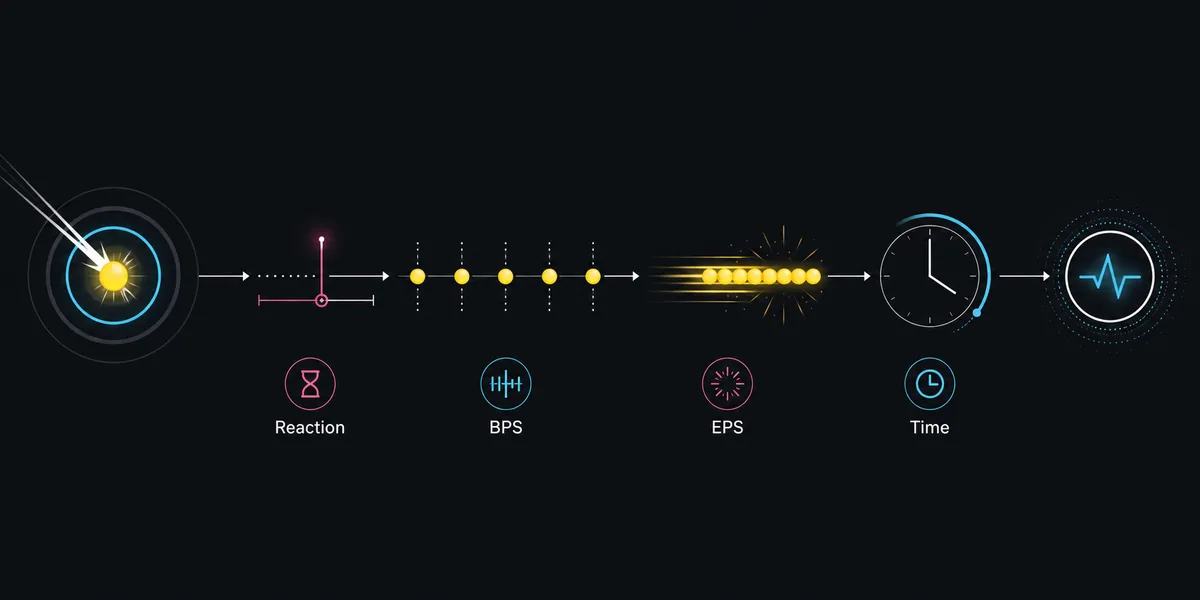
The result screen is useful only when you connect the numbers to what happened in the run. Average reaction shows how quickly you usually reached targets. Balls per second shows overall clearing pace. EPS or maximum eat per second highlights your strongest short burst.
Do not judge a run by one number alone. A low reaction average with poor survival may mean you rushed early targets and lost control later. A longer run with slightly slower reaction can be better practice if movement stayed stable.
For useful progress tracking, choose one focus per session. Track reaction if you are slow to recognize targets, balls per second if your route is inefficient, and survival time if pressure management is the main problem.
| Metric | What it tells you | Useful adjustment | |
|---|---|---|---|
| Average reaction | Typical time to reach targets | Improve recognition and first movement | |
| Balls per second | Overall clearing pace | Shorten routes and reduce overcorrection | |
| EPS | Best short burst | Use as burst feedback, not the whole story | |
| Survival time | How long the chain lasted | Practice pressure control |
A Simple Practice Routine for New Players
Start with three warm-up runs. The goal is to learn the game area and remove shaky cursor movement, not to set a record.
Then play five focused runs with one habit in mind. You can train shorter cursor paths, calmer restarts, late-run pressure control, or one chosen stat. Write down only the version and the stat you are watching.
End with two normal review runs. If the focused habit remains visible when you stop forcing it, the practice session worked. If it disappears, make the next session shorter and simpler.
Browser BallSheet, BallSheetOGL, and Score Context
The browser page is the best default for learning how to play because it starts instantly and keeps controls, score notes, and FAQ near the playable frame.
BallSheetOGL is a separate OpenGL remake path. It can be useful if you want a desktop-style implementation, but scores should be labeled separately because input handling, rendering cadence, focus behavior, and local settings may differ.
If you are comparing records, write down the version: browser BallSheet, BallSheetOGL, or local source build. That keeps score notes fair and avoids confusing a practice improvement with an environment change.
Common Beginner Mistakes
The most common mistake is overshooting the ball and then correcting late. Slow down slightly until you can arrive under control, then increase speed again.
Another mistake is restarting every imperfect run. Restarting is useful for focused drills, but recovery practice matters too. Some of the best improvement comes from saving a messy run without panic.
Finally, avoid mixing score contexts. A browser run, an OGL run, and a local build may all feel like BallSheet, but they are not identical measurement environments.
FAQ
Related BallSheet Resources
Last updated: June 23, 2026
Play BallSheet Online