BallSheetOGL Guide: OpenGL Remake vs Browser BallSheet
A focused guide for players who see BallSheetOGL in search results and need to know whether it is the right version, a required download, or a separate remake.

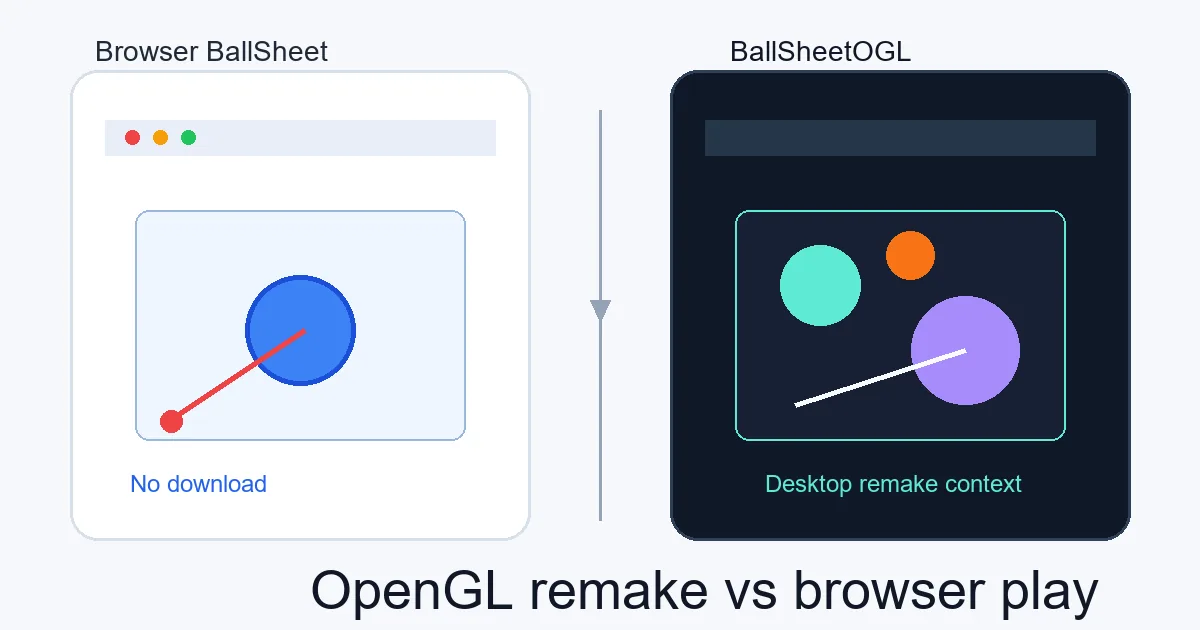
A focused guide for players who see BallSheetOGL in search results and need to know whether it is the right version, a required download, or a separate remake.
Quick Answer
BallSheetOGL is a separate C++ OpenGL remake of the BallSheet idea. It is useful if you intentionally want a desktop-style build or want to compare implementations, but it is not required for normal play. If you simply want to start a run, use the browser BallSheet page.
Contents
What Is BallSheetOGL?
BallSheetOGL is best understood as an OpenGL remake path for the BallSheet reaction game, not as the default way to play BallSheet online. The browser version focuses on instant access through a web page, while BallSheetOGL belongs to a desktop build or release workflow.
That distinction matters because BallSheet is a timing-sensitive game. Cursor behavior, frame pacing, window focus, monitor refresh rate, and rendering details can change how a run feels. A native OpenGL build can be interesting, but it should be labeled separately from browser BallSheet.
Searchers who type ballsheetogl are usually trying to identify the remake, find the right repository, or decide whether the download is safe. They are not necessarily looking for the main online game, so this page keeps the OGL topic separate from the homepage play intent.
The name can also be misleading in search results because OGL sounds like an official upgrade. Treat it instead as a parallel implementation: useful for technical comparison, but not a replacement for the no-download browser route.
Browser BallSheet vs BallSheetOGL
The browser version is the better default when you want fast play. It runs in the page, requires no installer, and keeps controls and explanations together with the playable embed.
BallSheetOGL is better for users who specifically want a native OpenGL implementation, want to inspect a desktop remake, or are comfortable with release files and source-code workflows.
Use the comparison below to decide which route matches your intent before installing anything.
If you are writing down records, include the version in the note. A simple label such as browser, OGL, or local build prevents confusion later when you compare reaction averages, balls per second, or survival time.
| Version | Best for | Setup | Score context |
|---|---|---|---|
| Browser BallSheetOnline playable page | Instant runs, learning controls, no-download play | Open the web page | Compare with browser-version runs |
| BallSheetOGLOpenGL remake path | Desktop remake testing and implementation comparison | Use a trusted repository or release workflow | Keep separate from browser scores |
| Source-code workflowTechnical inspection route | Reviewing files or building locally | Clone/build only if you understand the project | Depends on your local build and settings |
How to Think About a BallSheetOGL Download
A BallSheetOGL download only makes sense when you deliberately want the desktop remake. If a page offers an installer but does not identify the project, source, or release context, treat it cautiously.
Prefer recognizable repository pages and release notes over reposted archives. Repository context lets you check ownership signals, file history, issues, and whether the project is actually connected to BallSheetOGL.
If your goal is only to play, avoid the download path and start with the browser version. You can always return to OGL later after you understand the core loop and controls.
Before running any local build, check that the page or repository explains what the files are, how they are built, and whether the release matches the project you intended to use. Avoid downloads that hide the source or bundle unrelated installers.
Can You Compare BallSheetOGL Scores With Browser Scores?
Do not treat BallSheetOGL scores and browser BallSheet scores as perfectly interchangeable. Both can follow the same basic target-chasing idea, but small environment differences matter in a reaction game.
A browser page runs inside browser event handling, canvas timing, iframe focus behavior, and web rendering. An OpenGL remake can use a different loop, different input handling, and different window behavior.
For fair tracking, keep labels on every run: browser BallSheet, BallSheetOGL, or local source build. Compare progress inside the same environment first, then use cross-version comparisons only as casual context.
This does not make one version better than the other. It only means the numbers answer different questions. Browser scores show how you perform in the web environment; OGL scores show how you perform in that desktop implementation.
Which Version Should You Choose?
Choose browser BallSheet when you want the simplest and safest route. It is the right choice for quick practice, learning controls, checking score pressure, and sharing a playable page with someone else.
Choose BallSheetOGL when your goal is specifically the OpenGL remake. That may mean trying a desktop feel, comparing implementations, or studying how the remake handles rendering and input.
A useful order is: play the browser version first, read the Original BallSheet guide for version context, then use the download guide if you still have a reason to inspect OGL or local builds.
For most visitors, the best SEO answer is also the best player answer: play first, then research downloads only when the browser version no longer matches your goal.
Choose BallSheetOGL for a native OpenGL build and desktop settings. Choose the browser version for instant play and a consistent web-based baseline. For focused pointer drills, use the mouse accuracy game; do not mix its run data with OGL scores.
Recommended path
Start with browser BallSheet for normal play. Move to BallSheetOGL only when you have a clear desktop-remake reason, and keep your OGL scores separate from browser scores.
FAQ
References
Last updated: July 10, 2026
Play BallSheet