BallSheet Reaction Time Training: A 10-Run Practice Plan for Faster, Cleaner Runs
A practical guide for players who want to use BallSheet as a reaction game without confusing one lucky run with real improvement.

Use real BallSheet runs as short reaction drills, then judge progress through repeatable stats instead of one peak score.
Quick Answer
BallSheet can help with reaction time training when you treat it as a short target-switching drill: play repeated browser runs, focus on clean cursor paths, and track average reaction or balls per second across sessions. It cannot prove that games permanently improve reflexes by itself, so pair runs with careful score notes and avoid comparing different versions.
Contents
What BallSheet Reaction Time Training Really Means
People who search for reaction time games often want a quick way to practice faster responses. BallSheet fits part of that intent because every run asks you to recognize a new target, move the cursor cleanly, and recover when score pressure rises.
The important boundary is that BallSheet is a browser game, not a medical test or a scientific training program. Use it to practice target switching, pointer control, rhythm, and attention. Do not treat one high score as proof that your real-world reflexes changed.
This page is separate from the Ball Sheet pro plays guide. Pro plays focus on advanced in-game habits. This guide focuses on a repeatable training routine, stat interpretation, and safe claims about reaction time.
The 10-Run BallSheet Reaction Practice Plan
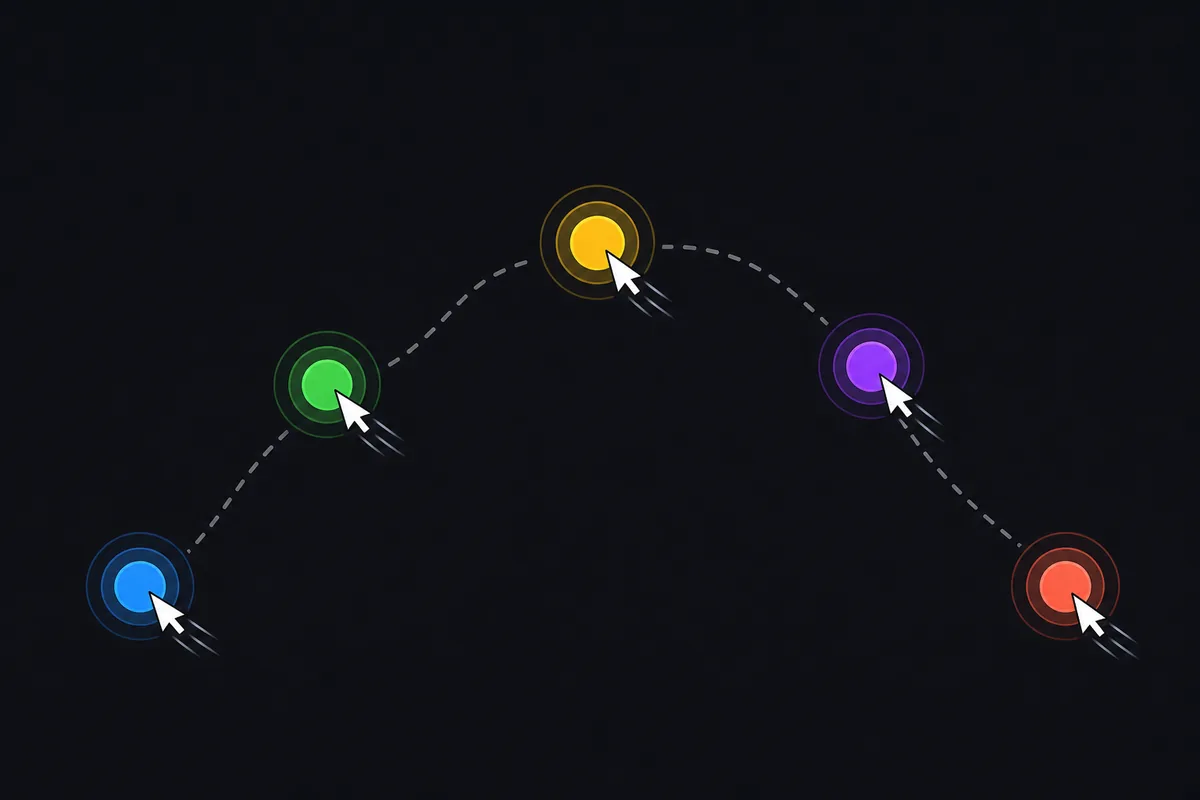
A useful session is short enough to stay clean and structured enough to compare. Start with three warm-up runs. Do not chase a score yet; only confirm browser focus, pointer speed, and whether your hand feels tense.
Then play five focused runs with one training goal. Pick direct cursor routes, late-run calm, or faster target recognition. Write down one main stat after each run. Avoid switching versions, devices, or browser zoom during the set.
Finish with two review runs. Play normally and check whether the chosen habit survives when you are no longer forcing it. If your score improves but your movement gets messy, repeat the same goal next session instead of adding a harder target.
| Focus | Runs / signal | Best use | Review note |
|---|---|---|---|
| Warm-up3 runs | Confirm focus and pointer feel | Ignore score | Keep the same browser version |
| Focused set5 runs | Train one habit only | Record one chosen stat | No device or zoom changes |
| Review2 runs | Check whether the habit sticks | Play naturally | Compare with the same session |
Which BallSheet Stats Show Real Practice Progress?
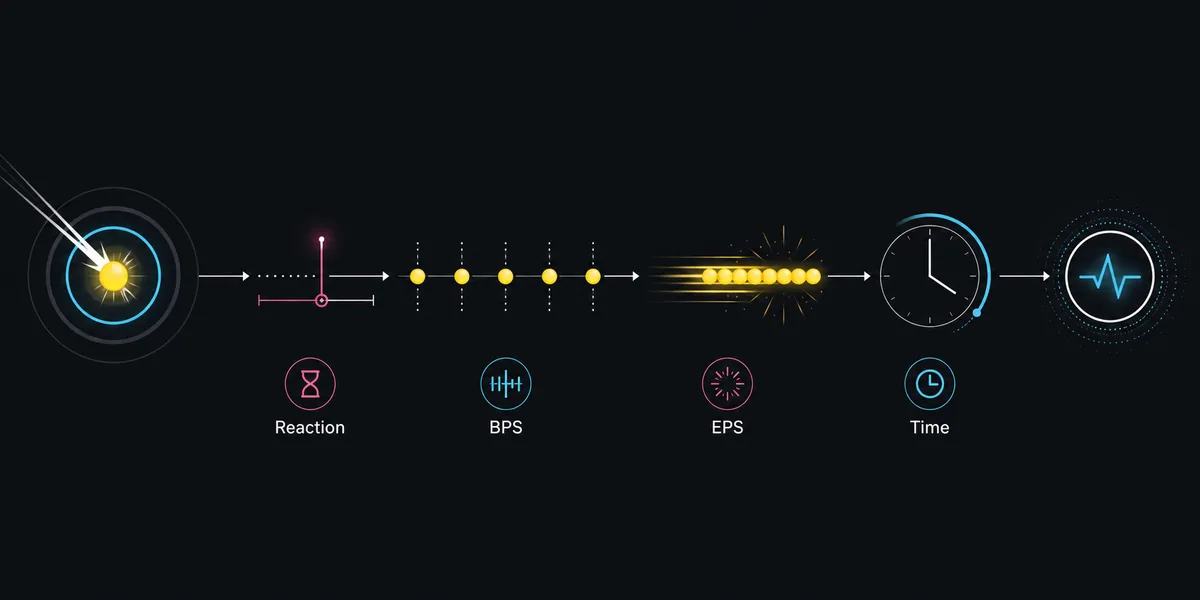
Use average reaction when your goal is faster recognition and movement start. Use balls per second when your goal is continuous rhythm. Use run time when your goal is pressure control. Use EPS only when you are studying burst output, because it can exaggerate one strong moment.
The strongest progress signal is not one record. It is a cluster of similar runs where the chosen stat moves in the same direction without obvious tradeoffs. If average reaction improves but survival time collapses, you may be moving faster but less cleanly.
Keep notes simple: date, version, device, training goal, and one stat. That small log makes BallSheet more useful than a random reaction game because you can connect each session to a specific habit.
| Focus | Runs / signal | Best use | Review note |
|---|---|---|---|
| Average reactionRecognition and first movement | Watch over several runs | Can improve while accuracy gets worse | Use same version only |
| Balls per secondSustained rhythm | Useful for target switching | May hide late pressure mistakes | Compare similar sessions |
| Run time / scorePressure control | Good for longer-run goals | Affected by focus and fatigue | Do not mix OGL and browser runs |
Common Training Mistakes That Make Runs Less Useful
The first mistake is chasing panic speed. Moving wildly can create one fast target hit, but it often causes the next target to be slower because your hand is tense or the cursor is badly positioned.
The second mistake is changing too many conditions. Browser zoom, input device, fullscreen mode, and version all affect how a run feels. If you change them mid-session, your notes stop meaning much.
The third mistake is using BallSheet as the only measure of reaction time. A browser game can be a good practice environment, but it is not a controlled reaction test. If you want a separate benchmark, use a dedicated reaction-time test and keep those results separate from BallSheet scores.
Do Reaction Games Improve Reaction Time?
Games can train attention, recognition, target switching, and hand movement in a specific context. That is why BallSheet can be useful as a short drill. The safer claim is specific: repeated BallSheet practice can help you become more consistent inside BallSheet-style target movement.
It is less safe to claim that any reaction game automatically improves real-world reflexes. Research-style reaction tests control conditions more carefully than normal web games. Your browser, device latency, fatigue, and input settings all influence the number you see.
A practical approach is to separate practice from proof. Use BallSheet to practice clean movement. Use a dedicated reaction-time test only when you want a simple benchmark. Do not merge those numbers into one leaderboard.
How to Combine BallSheet With Mouse Accuracy Practice
If you overshoot targets often, start with the mouse accuracy game for a few minutes before BallSheet. Watch whether your cursor stops near the target or keeps drifting past it.
After that, move into the 10-run BallSheet set. The mouse drill warms up control; BallSheet adds pressure, target switching, and score feedback. This sequence works better than grinding one game until fatigue hides what you are learning.
For players who already understand the rules, the how-to-play guide and pro plays guide can help you choose the exact habit to train next.
Recommended loop
Warm up pointer control, play 10 structured BallSheet runs, review one stat, then stop before fatigue makes the feedback messy.
FAQ
Related Training Resources
Last updated: June 30, 2026
Start BallSheet Training